How to Permanently Delete a TikTok Account: Complete Guide 2026

Deleting a TikTok account is a significant decision that permanently removes your videos, followers, and data after a 30-day reflection period. This guide explains the exact procedure, essential precautions, and alternatives.

Prepare for deletion Step-by-step procedure

📚 Guide Table of Contents

Quick navigation to each section of the guide

Essential Preparation Before Deleting Your TikTok Account

Crucial steps to complete before initiating permanent deletion.

⚠️ IMPORTANT WARNING

Deleting a TikTok account is PERMANENT after the 30-day grace period. You will lose all your videos, followers, likes, and messages. TikTok does not allow recovery after this deadline.

Access Recovery with PASS UNLOCKER (If Needed)

If you’ve lost access to your TikTok account and wish to delete it, PASS UNLOCKER can help you regain access using your username, email, or linked phone number.


1. Download the app from the official website: https://www.passwordrevelator.net/en/passunlocker


2. After installation, enter your TikTok username, email address, or phone number linked to the account.


3. Launch the analysis to recover account access within minutes.


Once logged in, you can proceed with permanent deletion of your TikTok account.
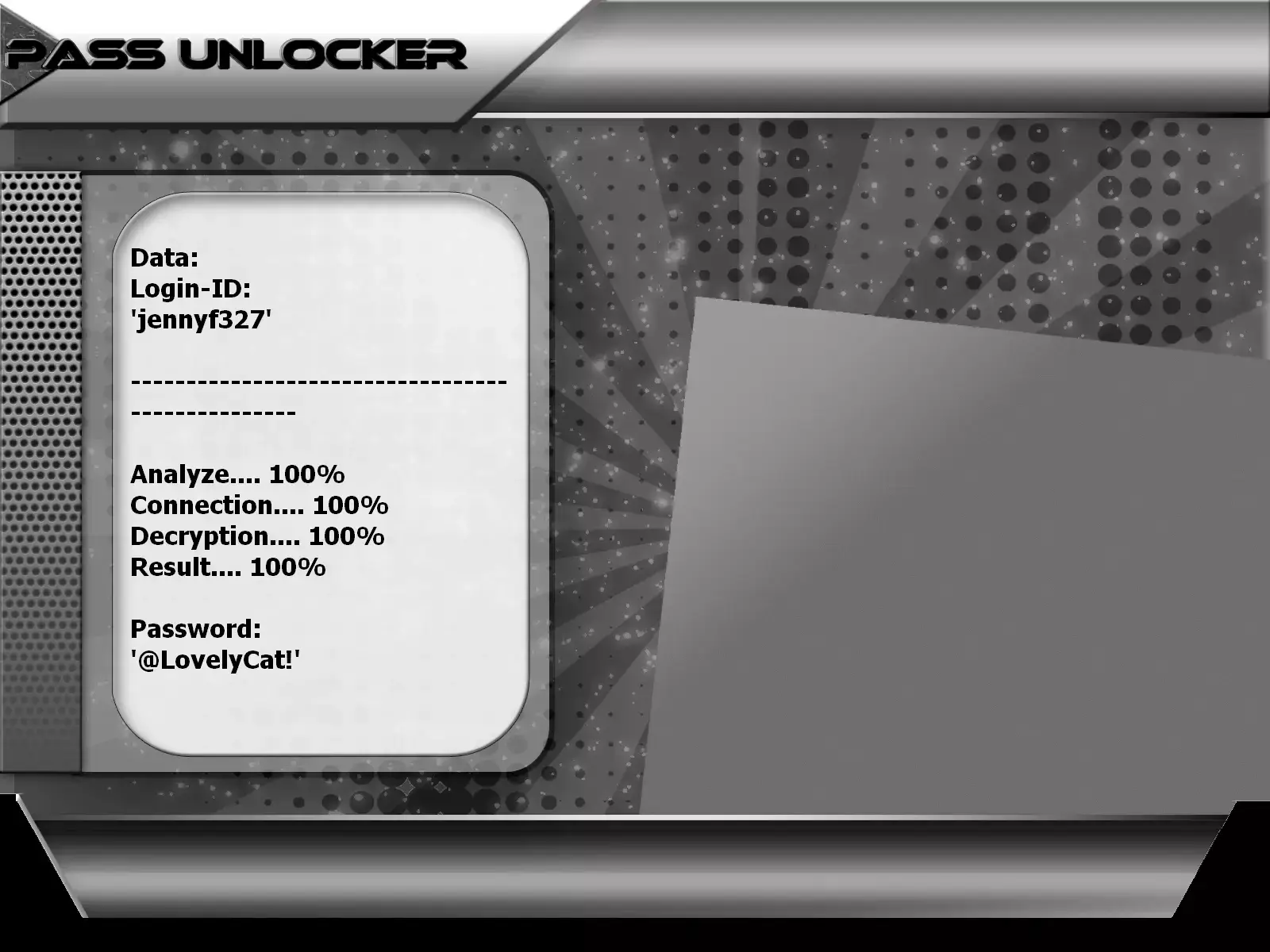
Recover access to a TikTok account with PASS UNLOCKER - Deletion guide 2026

Complete Backup of Your TikTok Data

Protect your videos and data before permanent deletion.

Official TikTok Backup Procedure

  1. Open the TikTok app and go to your profile
  2. Menu → Settings and Privacy → Account
  3. Select "Download your data"
  4. Choose format (TXT or JSON) and tap "Request data"
  5. Wait up to 3 days for file generation
  6. Return to the menu and download your data when ready

Included content: your videos, comments, privacy settings, username, activity history.

Additional Backup Methods

  • Manual video-by-video backup: From each video, tap ⋯ → "Save video" (if available)
  • Screenshot analytics: Save performance stats if you’re a creator
  • Export important messages: Capture significant conversations
  • List of followers/following: Note accounts you follow or that follow you

Permanent TikTok Account Deletion Procedure

Step-by-step guides for mobile (Android/iOS) and desktop.

On Mobile (TikTok App)

TikTok’s recommended method—works on Android and iOS.

Detailed Steps:

  1. Open the TikTok app and log in
  2. Go to your Profile (icon in bottom-right corner)
  3. Tap the Menu (three lines in top-right)
  4. Select "Settings and Privacy"
  5. Tap "Account"
  6. Choose "Deactivate or delete account"
  7. Select "Delete account" (not "Deactivate")
  8. Indicate reason (optional) or skip
  9. Confirm data backup or proceed without
  10. Tap "Continue" then "Delete account"
  11. Confirm with "Delete" to finalize

On Desktop (TikTok Website)

A practical alternative if you prefer using a browser.

Detailed Steps:

  1. Go to TikTok.com in your browser
  2. Log in to your account
  3. Click your avatar in the top-right corner
  4. Select "Settings"
  5. Under "Manage account", click "Delete"
  6. Click "Continue" and enter your password
  7. Confirm with "Delete account" then "Delete" again

Note: Deactivation is not available on the website—only in the mobile app.

Deletion Without Login (Forgotten Password)

Procedure if you no longer have access to your account.

Available Options:

  • Contact TikTok Support via the official form
  • Provide this information:
    • Account username
    • Associated date of birth
    • Email and/or phone number linked to the account
    • Last known password (if possible)
  • Use PASS UNLOCKER to recover access first
  • Reset your password via email/phone if possible

30-Day Grace Period and Reactivation

Understand the post-deletion process and how to cancel if you change your mind.

Day 0–30: Account Deactivated

Your account is invisible, but ALL your data is preserved. You can log back in anytime to cancel deletion.

Simple Reactivation

Simply open TikTok and log in. A notification will offer to "Reactivate your account."

After 30 Days: Permanent Deletion

All your videos, messages, followers, and data are erased from TikTok’s servers. No recovery possible.

Detailed TikTok Deletion Timeline

What actually happens after confirmation:

  • Immediately: Your profile becomes invisible; you can no longer log in
  • Days 1–30: Grace period—all data preserved; reactivation possible
  • Day 30+: Permanent deletion begins on active servers
  • Days 30–90: Gradual erasure from backups and secondary systems
  • Day 90+: Full deletion—username released for reuse

Comparison Table: Deactivation vs. Deletion on TikTok

Understand the key differences between these options before deciding.

Feature Temporary Deactivation Permanent Deletion
Profile visibility Hidden (invisible to others) Permanently removed
Data retention All data preserved Deleted after 30 days
Reversibility Yes—anytime via login Only during 30 days
Videos and content Intact and recoverable Permanently lost
Followers and following Preserved and restored automatically Permanently lost
Private messages Kept in conversation history Deleted from recipients after delay
Username Reserved exclusively for you Released after 90 days for reuse
Duration Unlimited (no time limit) Process finalized after 30 days
Recommendation For temporary breaks or uncertainty For permanently leaving the platform

Expert Tip:

Always start with deactivation. If after 30 days you’re certain you want to leave TikTok permanently, simply let the grace period expire. This gives you a full month to reflect—risk-free.

Alternatives to Permanent Deletion

Less drastic options if you’re unsure or just want to reduce your presence.

Why choose deactivation over deletion?

Deactivation offers all the benefits of a break without the permanent drawbacks of deletion.

Key advantages of deactivation:

  • No data loss: Your videos, followers, and history remain intact
  • Total flexibility: Resume your account anytime—even after years
  • Username protection: No one can take your @username during your absence
  • No time limit: You can stay deactivated indefinitely
  • Simple process: A single login instantly reactivates everything

How to make your account private before leaving

If you’d like to stay on TikTok but with more privacy, these settings are essential.

Recommended privacy settings:

  • Private account: Only approved followers can see your videos
  • Limit interactions: Disable comments or restrict to friends only
  • Control mentions: Choose who can mention you in videos
  • Disable downloads: Prevent others from downloading your videos
  • Delete old videos: Clean your profile without full deletion

Frequently Asked Questions About TikTok Deletion

Detailed answers to users’ most common questions.

How do I recover my TikTok account after deletion during the grace period?

During the 30-day grace period, recovery is simple:

  1. Open the TikTok app on your mobile device
  2. Log in with your usual credentials
  3. A notification will appear offering to "Reactivate account"
  4. Tap "Reactivate" and confirm your choice
  5. Your account will be restored instantly with all data intact

Important: This feature is only available within 30 days of requesting deletion.

What if the "Delete my account" button doesn’t work or isn’t visible?

Several solutions depending on the cause:

  1. Restart the app: Fully close and reopen TikTok
  2. Update TikTok: Install the latest version from App Store or Google Play
  3. Try the website: Deletion is also available on TikTok.com
  4. Check for restrictions: Ongoing investigations may temporarily block deletion
  5. Contact support: Use "Report a problem" in settings
  6. Try another device: Attempt from a different smartphone if possible
Will my TikTok username be reused by someone else after deletion?

Yes, but not immediately. After permanent deletion, your username enters a quarantine period:

  • Standard delay: Usually 90 days after full deletion
  • Process: TikTok ensures all internal references are cleared
  • Potential risk: Someone else could claim your old @username
  • Tip: If your username has value, prefer deactivation
Why does TikTok ask for extra verification to delete my account?

This is a standard security measure to prevent unauthorized deletions. TikTok may request:

  • Phone number: Verification code via SMS
  • Email address: Confirmation link sent to your email
  • Password: Enter your current password
  • Two-factor authentication: Code from your authenticator app

If you no longer have access to these methods, contact TikTok Support for personalized assistance.

How do I delete a TikTok Pro or Creator account?

The procedure is identical to a personal account, but requires extra precautions:

  • Extended backup: Detailed analytics, performance stats, revenue history
  • Disable payments: Ensure no payment methods or bank accounts are linked
  • Save evidence: Screenshots of performance for your professional portfolio
  • External communication: If you have a large audience, announce your departure on other platforms
  • Deep reflection: Use the full 30-day grace period to confirm your decision
What happens to videos I’ve dueted or sounds I’ve created?

Deletion affects your original content and derivative content differently:

  • Your original videos: Permanently deleted after 30 days
  • Original sounds you created: May remain if used by other creators
  • Duets and Stitches: These collaborative videos stay on other creators’ accounts
  • Custom effects: If published in the Effects Library, they may remain accessible
  • Tip: If you’ve created popular content reused by others, consider the impact before deletion
Does deleting my TikTok account affect my other social media accounts?

No, not directly. TikTok deletion only affects your TikTok account. However:

  • Linked accounts (login via): Your Google, Facebook, or Apple account used to log in remains active
  • Shared data: Information TikTok shared with partners before deletion cannot be retracted
  • Digital footprint: Your TikTok activity may remain referenced elsewhere online (articles, shares, etc.)
  • Recommendation: Manually revoke TikTok permissions in your Google/Facebook/Apple account settings

Need help deleting your TikTok account?

Permanently deleting a TikTok account—especially one with years of content or a large audience—is both a technical and emotional decision. Our Lifee team can support you through the entire process: audit of data to back up, technical assistance with deletion, and guidance for a smooth digital transition.

Final checklist before permanent deletion:

  • ✅ I’ve backed up all my important videos
  • ✅ I’ve downloaded my TikTok data using the official tool
  • ✅ I’ve saved key performance stats (if I’m a creator)
  • ✅ I’ve considered temporary deactivation as an alternative
  • ✅ I understand the 30-day grace period
  • ✅ I know deletion is irreversible after 30 days
  • ✅ I’ve confirmed no payments are linked to my account
  • ✅ I’m certain about this decision after reflection

Contact us for personalized assistance with your TikTok account deletion.